
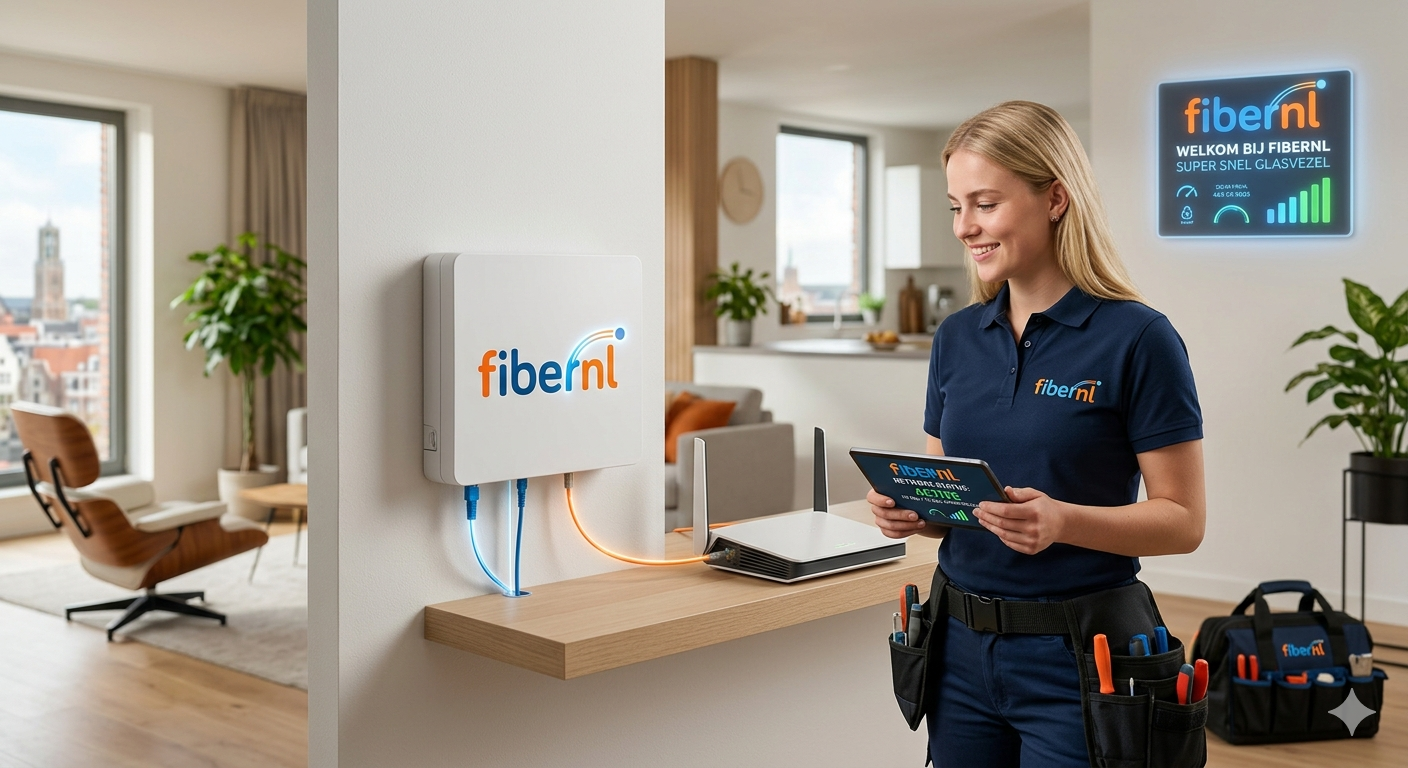
Understanding the local telecommunications framework is the first step toward securing reliable connectivity. The Dutch broadband market has underwent a major transformation, moving away from legacy copper DSL networks toward ultra-high-speed infrastructure. Fibernl operates within this highly competitive space, providing a streamlined alternative to dominant telecom conglomerates.
Navigating availability, network differences, and subscription configurations can feel overwhelming. This comprehensive analysis breaks down infrastructure mechanics, performance benchmarks, and deployment landscapes to help you optimize your home connectivity framework.
Infrastructure: Understanding the Network Architecture
The Dutch fiber broadband footprint relies on specific deployment models. The term Fibernl represents both the independent regional provider network and the broader consumer shift toward FTTH (Fiber-to-the-Home) architectures across the Netherlands.
Unlike traditional coaxial cable infrastructure, which relies on copper elements for final delivery, FTTH provides a dedicated optical line straight to your router.
[Central Office / OLT] ───► [Distribution Point] ───► [Your Home FTTH Wall Outlet]
This dedicated structural design ensures symmetrical throughput capabilities. Symmetrical architecture guarantees your data transmission speeds remain identical during both downloading and uploading operations.
┌─────────────────────────────────────────────────────────┐
│  Symmetrical Fiber Throughput: 1 Gbps Down / 1 Gbps Up   │
└─────────────────────────────────────────────────────────┘
Coaxial setups frequently choke upload performance to a fraction of downstream capacity. A dedicated fiber link removes this operational bottleneck completely.
The Market Landscape: Independent Challengers vs. Wholesale Monopolies
The market dynamics within the Netherlands present unique operational challenges. Historically, two primary entities controlled over 80% of consumer media delivery channels. The physical underground fiber lines belong mostly to wholesale network owners like KPN NetwerkNL or Open Dutch Fiber.
┌─────────────────────────────────────────────────────────────────┐
│                   DUTCH BROADBAND ECOSYSTEM                     │
├────────────────────────────────┬────────────────────────────────┤
│    Physical Network Layer      │     Consumer Service Layer     │
│   (Wholesale Infrastructure)   │  (ISP Retailers & Aggregators)  │
├────────────────────────────────┼────────────────────────────────┤
│  • KPN NetwerkNL               │  • Fibernl                     │
│  • Open Dutch Fiber            │  • DELTA Fiber                 │
│  • Delta Network               │  • Odido                       │
└────────────────────────────────┴────────────────────────────────┘
Independent providers lease space on these wholesale networks. Fibernl acts as an agile service aggregator within this ecosystem. They manage customer routing, hardware provisioning, and automated administrative workflows without burying users under corporate overhead costs. This lean approach helps keep consumer pricing competitive.
Performance Matrix: Subscription Tiers and Speed Benchmarks
Choosing an internet subscription requires balancing required bandwidth against real monthly operating costs. Households frequently overpay for capacity allocations they never utilize.
The baseline deployment tier for modern fiber connections starts at 1 Gbps. This capacity handles simultaneous high-bandwidth demands across multiple connected devices without processing delays.
The evaluation table below compares standard Dutch fiber subscription tiers to clarify performance capabilities:
| Subscription Tier | Optimal Use Case Scenario | Hardware Requirements | Average Cost Range |
| 100 Mbps to 400 Mbps | Ideal for remote professionals, standard streaming, and small households. | Standard Wi-Fi 5 / Cat5e Cabling | €35 – €45 / month |
| 1 Gbps (Standard Fiber) | Best for smart homes, multi-device 4K streaming, and local file servers. | Wi-Fi 6 Router / Cat6 Cabling | €45 – €60 / month |
| 2 Gbps to 10 Gbps (Ultra) | Perfect for competitive gaming, massive cloud backups, and homelab environments. | Wi-Fi 7 Router / 10 GbE NIC | €65 – €90+ / month |
Optimization: Enhancing Your Home Fiber Deployment
Getting fiber to your home wall box is only half the battle. Internal hardware configuration is usually the main point of failure for real-world network performance drops.
Overcoming Wi-Fi Degradation
A common pitfall involves connecting a gigabit fiber feed to an obsolete router. Internal concrete walls found across Dutch homes attenuate high-frequency wireless signals. Deploying hardware with updated transmission standards avoids these systemic coverage drops.
The Role of Next-Generation Hardware
Modern setups leverage Wi-Fi 7 and Wi-Fi 6E systems to utilize the 6 GHz wireless spectrum. This frequency band operates free from the signal congestion common to older 2.4 GHz and 5 GHz bands.
Using wired Ethernet links for fixed devices ensures you get the full speed of your fiber line. For long cable runs, using high-quality Cat6 or Cat6a shielding prevents structural interference.
Procurement: Ordering Realities and Migration Paths
The registration process across the country depends heavily on geographic validation. You cannot order a fiber subscription without a verified, active connection point inside your residential property.
Address Validation Steps
Before starting an ISP migration, check your exact postal code and house number against regional availability databases. If a physical fiber box hasn’t been installed in your utility space, the provider will drop your order down to a standard copper VDSL line instead.
Managing the Transition
Most operators use automated switching programs to coordinate service handovers. This integration schedules your new fiber activation to sync with your old subscription’s termination, preventing unexpected service outages.
Technical Comparison: Evaluating Connection Technologies
Understanding how different network architectures handle data helps explain why fiber outperforms legacy systems.
Optical Core Mechanics
Fiber networks transmit data as light pulses through glass strands, avoiding the electromagnetic interference that plagues copper telephone wires or coaxial television cables.
Structural Performance Stability
Legacy networks suffer from signal loss over long distances. Fiber lines maintain consistent throughput over miles, ensuring your home receives the exact bandwidth specified in your service tier.
Expert Verdict
Operational Insight: Do not buy multi-gigabit connections unless your internal home network hardware can handle it. A 10 Gbps fiber line will bottleneck down to 300 Mbps if forced through an old Wi-Fi router or outdated cabling.
For most households, a symmetrical 1 Gbps subscription offers the best balance of price and performance. It delivers low latency and enough bandwidth for modern remote work, gaming, and streaming without inflating your monthly utility budget. Prioritize providers that offer transparent pricing models and flexible, modular television add-on options.
Frequently Asked Questions
What is the primary difference between Fibernl and major providers?
Independent service operators use automated digital workflows and lease wholesale infrastructure lines to keep their corporate overhead low. This agile setup allows them to offer competitive contract pricing compared to traditional providers who maintain costly physical retail stores and legacy networks.
Can I use my own router with a Dutch fiber subscription?
Yes. Local telecom regulations protect your right to use third-party hardware. Your provider must share the specific VLAN connection settings needed to swap out their stock equipment for your own high-performance router.
Why do my speed tests show lower results than my fiber tier?
This issue usually stems from local hardware bottlenecks rather than the incoming fiber line itself. Older Wi-Fi equipment, long distances from the router, or outdated ethernet cables often limit your real-world speeds. Test your performance using a Cat6 cable plugged directly into your fiber termination unit to see your true line speed.
How long does a physical fiber installation take?
The timeline depends on your building’s current infrastructure status. If your home already has an active fiber wall outlet, activation takes only a few business days. If field technicians need to run a new line from the street to your utility closet, scheduling and installation can take several weeks.
Are fiber broadband connections symmetrical?
Yes. True Fiber-to-the-Home infrastructure delivers matching download and upload speeds. This symmetrical performance ensures lag-free video conferencing, fast cloud backups, and smooth content creation workflows.











Leave a Reply